📊 Positions Menu
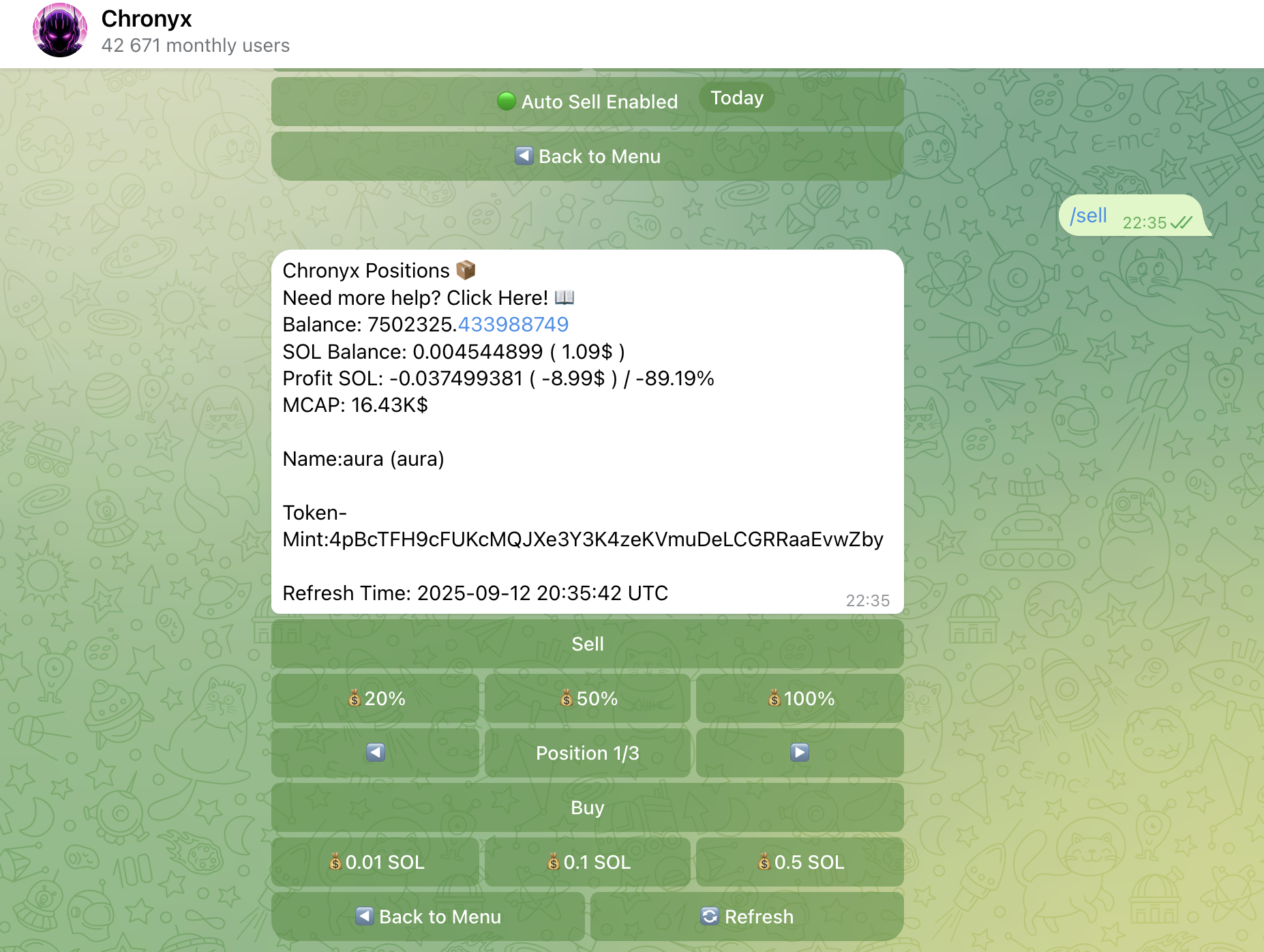
The Positions Menu provides a complete overview of your current token holdings and allows you to manage them with ease and speed.
This menu opens automatically after every successful token purchase. You can also access it manually via the Positions button in the Start Menu.
🧾 What You’ll See
- All active token positions in your wallet
- Live token balances
- Real-time value of each token shown in SOL and USD
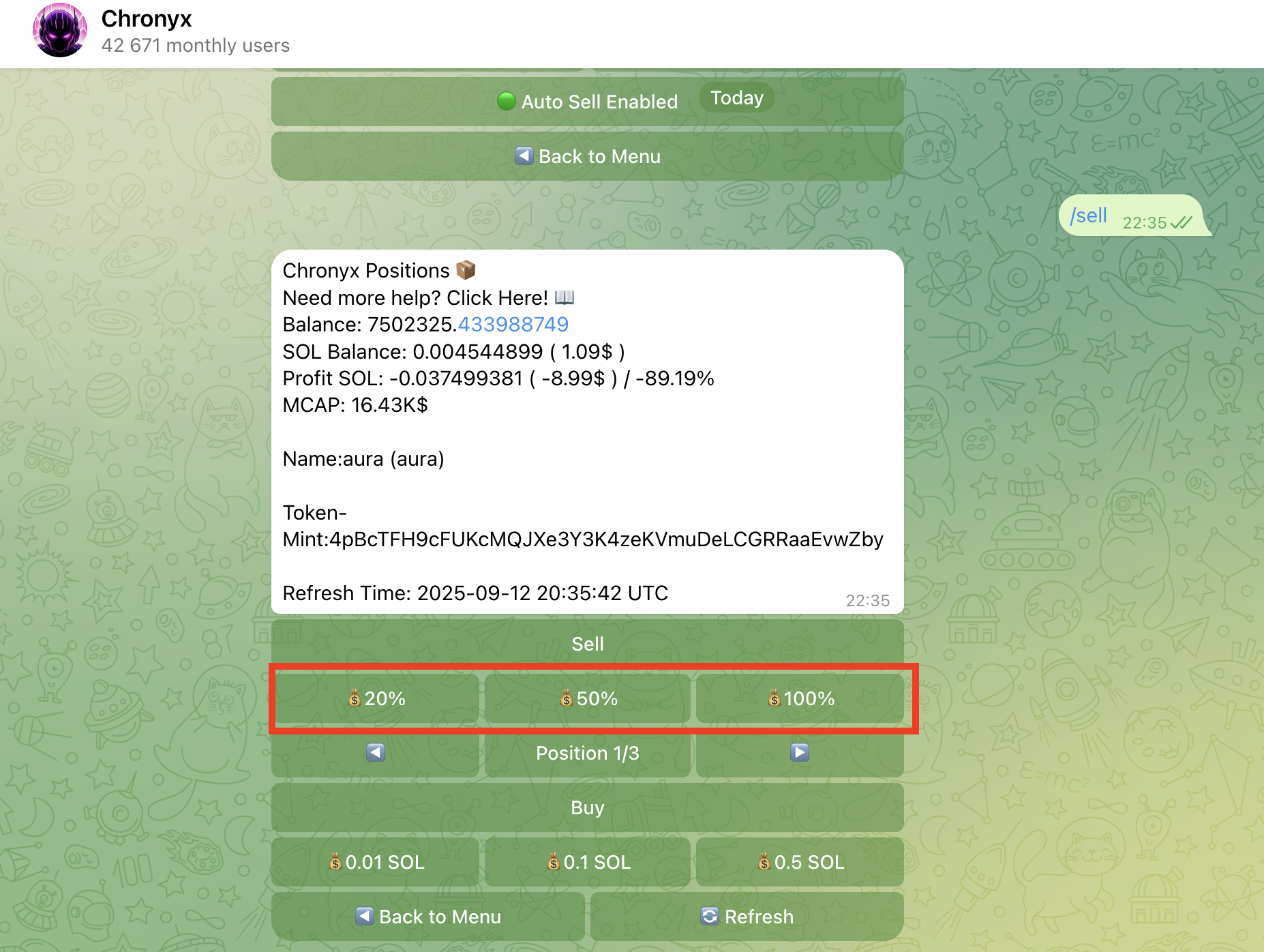
⚡ Quick Sell Options
You can take profits or exit your positions instantly using the quick-sell buttons:
- 🟡 Sell 20%
- 🟠 Sell 50%
- 🔴 Sell 100%
Each option lets you sell a portion or the full amount of your tokens with just one tap. No need to enter any values manually.
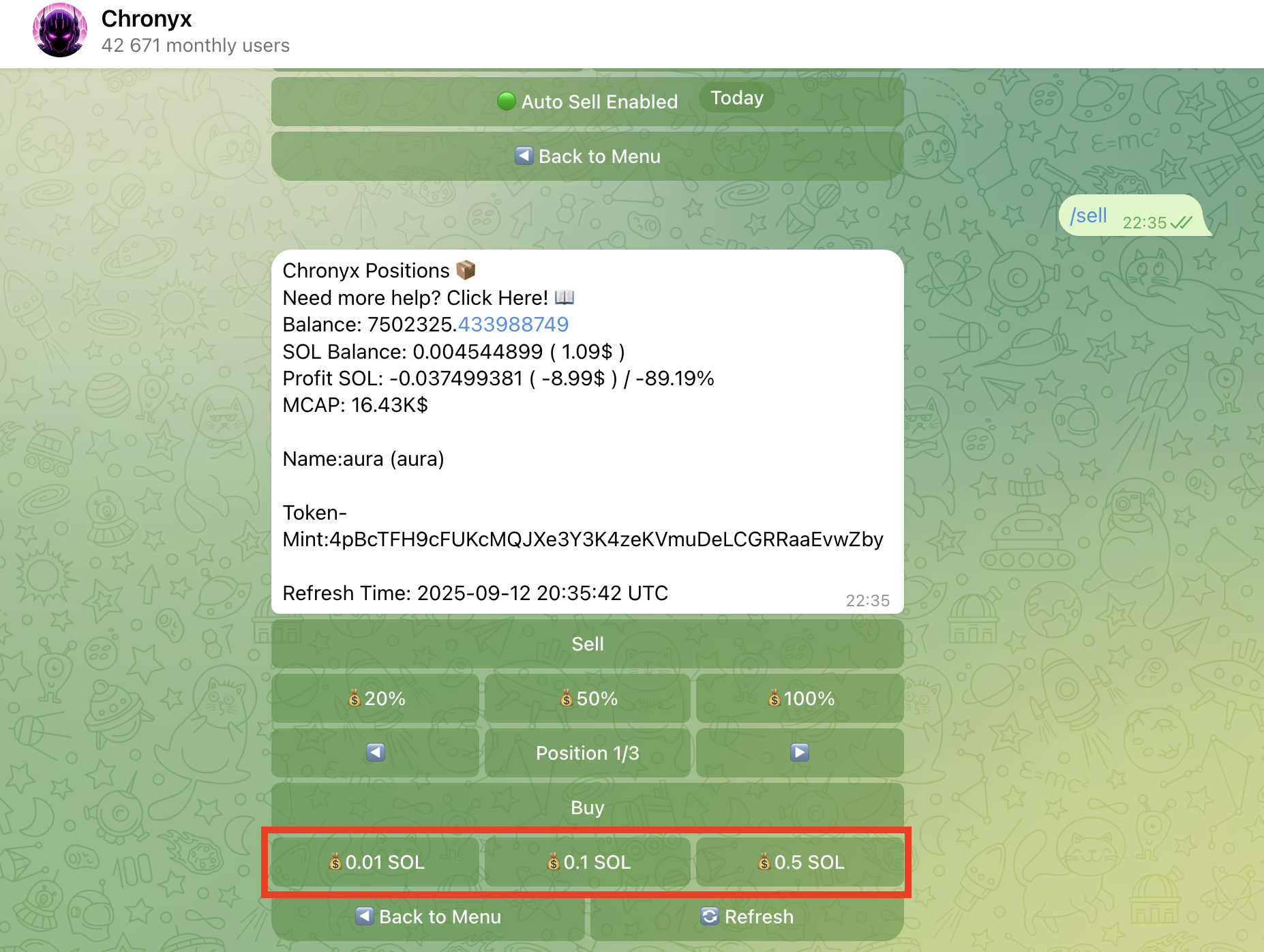
⚡ Quick Buy Options
Seize opportunities in a flash with Quick Buy! Effortlessly jump into trades using these one-tap buttons:
🟡 Buy 0.01 SOL 🟠 Buy 0.1 SOL 🔴 Buy 0.5 SOL
Each option lets you purchase a portion or the full amount of tokens instantly, without manually entering any values. Stay ahead of the game with lightning-fast trades!
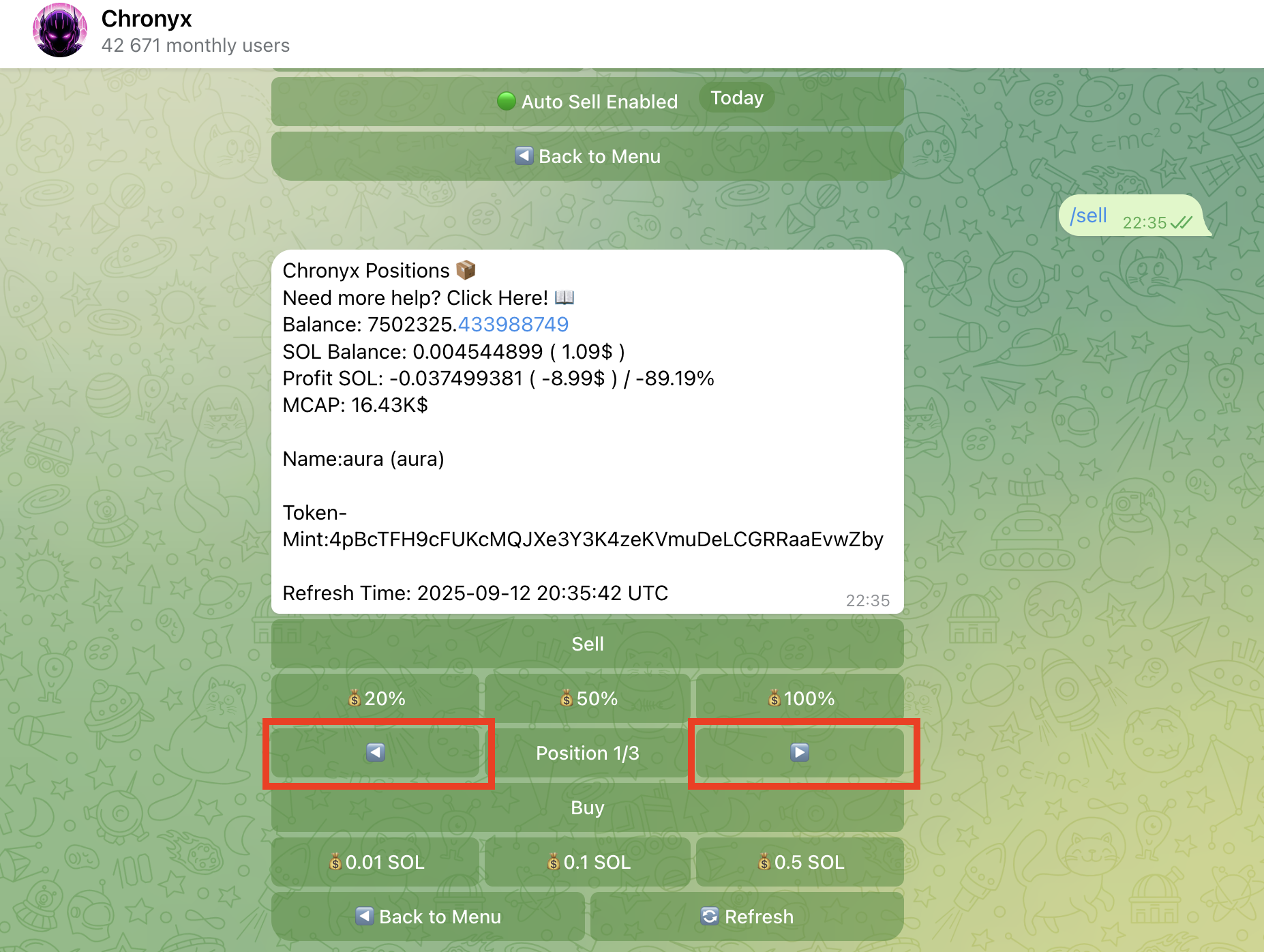
🔁 Navigate Between Tokens
Use the ⬅️ and ➡️ arrow buttons to switch between your different token holdings.
This helps you quickly review each position’s balance and current SOL value without leaving the menu.
✅ The Positions Menu is your control center for managing open trades. Whether you want to secure profits or reduce exposure, you can do it quickly and safely.
👉 Up next: Discover how to follow top traders and automate your strategies in the Copy Trading section.